
That headline makes it clear that today’s topic is the best receipt scanning apps. How can we choose just one? More importantly, why should we?
Well, we shouldn’t:
Many receipt scanner apps do a wonderful job of managing your expenses. Whether you need them for personal or business purposes, having them is better than not having them!
Discovering a new way to earn extra money will never be out of style. And getting paid to snap photos of your receipts lets you monetize your order confirmations.
Are you a fan of in-store shopping or do you prefer placing an online order? Actually, that doesn’t matter at all:
Most receipt scanning apps work with both. Today, I’ll tell you everything you need to know about them:
- How to use a receipt scanning app for money?
- Which apps should you download, and how do these apps work?
- What do the best scanning apps offer?
This post contains affiliate links – read my affiliate disclosure for more information.
Top Receipt Scanner Apps
Best Receipt Scanning Apps
1) Fetch
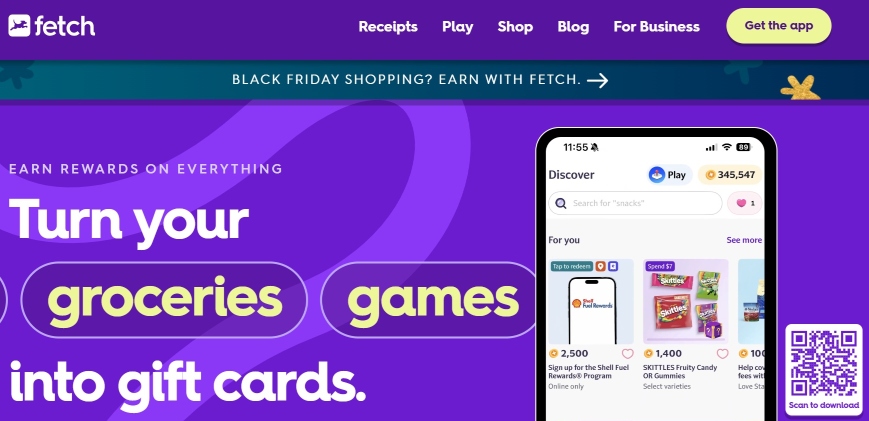
Fetch (previously Fetch Rewards) is one of the most popular receipt apps, and for a very good reason:
The Fetch app gives you 25 Rewards Points every time you upload a receipt. Once you accumulate enough points, you can exchange them for gift cards.
Fetch is incredibly easy to use. More importantly, buying products from the app’s partner brands earns you bonus points. You can use these bonus offers to receive cash back on certain purchases.
2) Expensify
Many users see Expensify only as a receipt scanner, but that is not the whole truth. It’s an expense management system that automates receipt scanning.
Expensify’s OCR Technology is the app’s key feature. Its OCR accuracy makes it easy to provide the store’s name, date, and amount spent.
Users can send a photo via text message or forward a receipt image through email. Overall, Expensify is one of the best apps to manage expense reports. After all, the app suggests different categories for your team’s expenses (if you have one).
3) Smart Receipts
In my humble opinion, Smart Receipts should be at the top of everyone’s list of the best receipt scanning apps. Here are the facts that lead me to that conclusion:
First, Smart Receipts offers more than you probably expect. You can use this app to scan receipts, track mileage, and create in-depth reports. Second, the app lets you create any text file (PDF, ZIP, or CSV) from your mobile device.
Are you searching for the easiest ways to handle tax deductions, payment methods, and overall expenses? Search no more: Smart Receipts will get the job done!
4) Swagbucks
Contrary to popular belief, the Swagbucks app supports alternative ways to earn money online (not just taking surveys). While Swagbucks is one of the top survey platforms, it lets you earn extra money in many ways.
For instance, Swagbucks users can earn real money by playing games, watching videos (including Netflix), clicking on ads, reading emails, and searching the web. What about taking pictures of paper receipts?
Swagbucks pays you for scanning receipts: anyone can upload dining or grocery receipts for money. Each new Swagbucks member receives a sign-up bonus. Learn more about that in my Swagbucks review.
5) Yomio
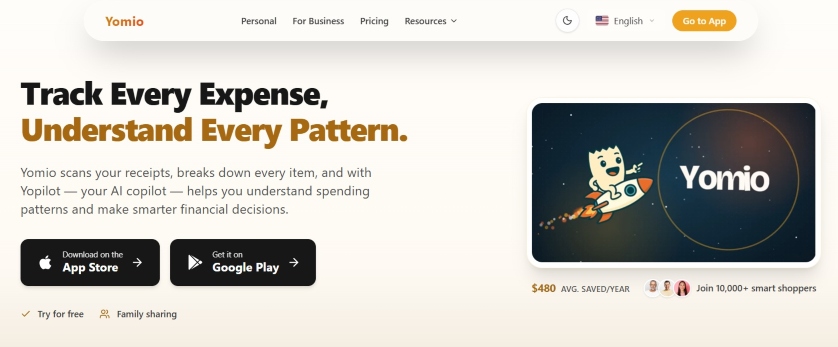
Currently, Yomio doesn’t appear on most lists of the best receipt scanner apps. Hopefully, that’s about to change:
Yomio provides individual scans of the specific items. After you upload a receipt, Yomio will extract the date, store name, and total amount paid. Then, you can edit that receipt data before saving it.
Unfortunately, you can’t use everything Yomio offers without paying a monthly fee. Then again, you can test the app for a limited time by signing up for its free trial.
6) Ibotta
I’ll be the first to admit that using Ibotta requires extra effort. You must scroll through each store’s products and click the items you bought to get the best cash back. That adds extra time to your grocery trip!
However, Ibotta is still a top receipt-scanning app. The cash-back application offers amazing deals on groceries and online shopping.
More importantly, Ibotta lets you link loyalty programs for automatic rewards. Don’t hesitate to link your store loyalty account or card in the app.
7) Receipt Hog
I would choose Receipt Hog as a competitive entry each day of the week and twice on Sunday! That’s why the platform is on my list of the best receipt scanning apps:
So, join Receipt Hog, earn points by uploading receipts, and exchange them for gift cards or cash.
Receipt Hog offers an easy way to earn extra cash through various activities, including taking surveys and participating in sweepstakes. Now, Receipt Hog is available in the United States and Canada.
8) Google Opinion Rewards
Typically, Google Opinion Rewards won’t let you earn much money per original receipt. Then again, earning $0.10 from a single platform each time you scan receipts isn’t that bad!
How many receipts can you upload to Google Opinion Rewards? There is no need to research any company policies:
If you visit the grocery store up to five times per week, the app will let you scan your receipts. Expect automated payments via PayPal.
9) Zoho Expense
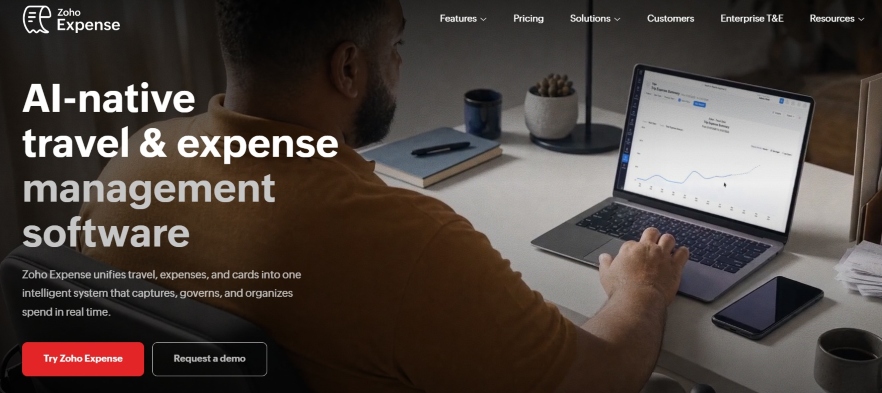
Are you aware that Zoho Expense’s free plan works just fine? That plan alone makes the platform one of the top receipt scanner apps you can download.
Zoho Expense is a must-have tool to manage every expense you can think of. The Zoho CRM Autoscan feature gathers data from all types of receipts.
These days, Zoho works well for both business and personal expenses. Individuals and sole proprietors should forward email receipts to the app to create expense reports.
10) ReceiptPal
It would be surprising if ReceiptPal isn’t an entry on any list of the best receipt scanning apps you’ve read so far; that application has so much to offer:
Currently, ReceiptPal offers $0.06 per receipt. While that doesn’t seem like much, your annual earnings will add up.
Each ReceiptPal user earns points, which you can redeem for gift cards. On the downside, the app doesn’t offer PayPal cash.
See Also: Top Ways To Earn Free Money Today
11) Rakuten
By all means, Rakuten is one of the world’s top cashback apps. Anyone who joins the site can receive cashback on purchases made through the platform.
Have you used Rakuten to save on groceries? Here is how to do that while scanning your receipts:
Activate your chosen deal, complete the purchase, and receive your grocery savings. New members get a sign-up bonus.
12) Pogo
How does Pogo reward its users? You’ll earn in various ways once you join the platform.
Quite frankly, Pogo adds fun and entertainment to your shopping experience. This is what I mean by that:
Get the app, visit stores (Target, Best Buy, and others), and scan the barcodes of the products you want to purchase. Then, send the receipts to the app and watch the cashback arrive in your account!
13) CoinOut
I dare you to find a list of the best receipt scanning apps without CoinOut! In my humble opinion, that would be a difficult task.
Uploading your receipts through CoinOut can earn you around $40 each year. That’s not bad for a receipt scanner app!
Payments are available via gift cards, PayPal, and Venmo. Feel free to withdraw your earnings once you earn 3,000 coins.
Best Receipt Scanning Apps For Businesses
14) Verify
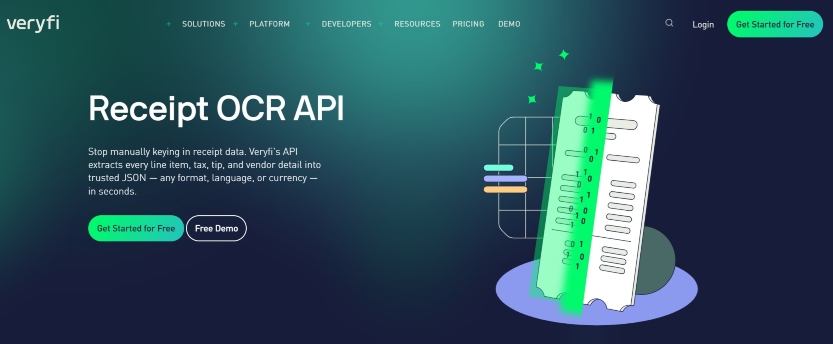
Are there any developers (or future developers) reading this article? I hope they are, because they should become familiar with Verify:
Verify can capture more than total data: the app can handle line-item data, such as individual products and taxes.
Of course, individual users can also download Verify to scan physical receipts. However, the mobile app best serves small businesses that need to build receipt processes into their company’s software.
15) SAP Concur
How many of you manage large companies that urgently need to take control of their finances? SAP Concur was specifically designed to help you:
Expenselt, the app’s most powerful feature, is exactly what you need. That feature can automatically manage all types of expenses.
It doesn’t matter which employee takes a photo of a receipt. Expenselt will separate the cost and place it in the relevant categories.
16) Adobe Scan
Is Adobe Scan one of the best receipt scanning apps? You tell me:
Currently, Adobe delivers the cleanest scan with minimal effort. Adobe’s standout feature is its shadow adjustment.
Do you want the best scan quality and edge detection? The app’s free version is your best option.
17) Sage Expense Management App
Formerly Fyle, Sage is a business expense management app that does something most legitimate apps on this list can’t do:
Sage delivers real-time Mastercard and Visa card feeds. In other words, each time an employee swipes a card, Sage sends a message that the employee must reply to with a receipt photo.
Unfortunately, Sage doesn’t offer a permanent free tier. That means you must pay to use it after the free trial.
18) Genius Scan
How often do you deal with curved paper and unflattering lighting when scanning receipts? You don’t have to worry about that once you get Genius Scan:
Genius Scan exports to Evernote, Google Drive, and Dropbox. Small business owners should use the app when they deal with multiple receipt scans.
On the downside, Genius Scan doesn’t offer expense tracking: you’ll need another app to manage your expense records.
19) Dext
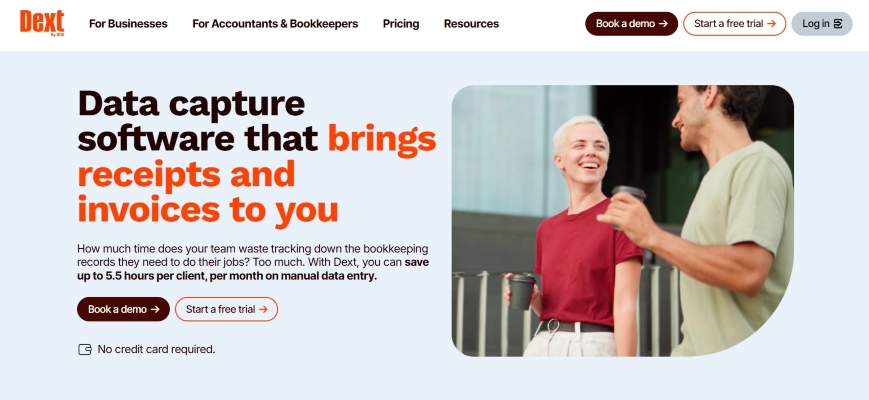
Dext is one of the top apps for professional bookkeeping and accounting. One of Dext’s key features is its ability to capture invoices and receipts from any source.
What does this mean? It means that email forwarding, direct uploading, and mobile scanning are possible with Dext.
Does your team forward receipts daily? Having Dext at your disposal guarantees 99.9% OCR (Optical Character Recognition).
20) Apple Notes
Next on my list of the best receipt scanning apps is Apple Notes. Anyone who owns an iPhone should pay extra attention for a second:
Apple Notes is the perfect solution for businesses that need zero-cost occasional scanning. After all, the app lets you upload receipts without paying.
Don’t expect a free trial: Apple Notes is constantly available for free. Visit the Apple App Store to download Apple Notes when you have a minute.
21) Wave Accounting
Wave Accounting is a free platform that anyone can join. Its built-in scanning feature is a great way to manage expenses, invoices, and receipts.
However, the support and payroll features are paid. Using them costs around $20 per month.
22) Shoeboxed
A free Shoeboxed account lets you scan only five documents per month. Unfortunately, all paid Shoeboxed plans are more expensive than the rest of the best receipt scanning apps.
Still, Shoeboxed is an excellent option for sending receipts via postage-paid envelope and letting the app digitize and categorize them.
Alternative Best Receipt Scanning Apps
- QuickBooks Online: Does your business run on QuickBooks? If it does, you can use its built-in scanner to track your accounting expenses. Snap photos and forward digital receipts to a special QuickBooks email address.
- CamScanner: Did you know that CamScanner handles all types of documents? Its OCR feature supports over 40 different languages.
- Google Drive: How do you feel about an app that creates PDFs and stores them in your Google account?
- PocketGuard: PocketGuard is for anyone who cares about budgeting. Linking credit cards or bank accounts is unavoidable.
- Checkout51: Can you manage each expense while grocery shopping? Yes, you can do that via the Checkout51 app.
- Dosh: Link your credit or debit card to Dosh, and the app will earn you cashback on your purchases.
- National Consumer Panel: NCP lets you scan barcodes instead of receipts. Members can win rewards by entering sweepstakes.
- Makeena: Makeena offers cashback to users investing in high-quality personal care and other products.
- TopCashback: Increase your TopCashback earnings by referring new users to the platform.
- InboxDollars: That app needs no introduction: it’s one of the top cashback sites today.
Features To Look For When Choosing The Best Receipt Scanning Apps
- Ease of use: All valuable receipt scanner apps let users enjoy them without making their lives difficult. You don’t have to know anything about cloud storage or loyalty teams!
- Various rewards: Not all scanner apps pay with cash; some offer gift cards instead. Choose options that best suit your needs.
- Bonuses: Most receipt scanner apps offer sign-up bonuses and other monetary rewards. Download applications that offer more than their competitors.
- Fast payouts: All legitimate receipt scanner apps pay fast. Many options pay in a few business days.
Tips & Ideas To Maximize Rewards From Receipt Scanner Apps
- Use multiple apps: The more receipt-scanning apps you use, the more cash back you’ll earn. After all, some apps specialize in in-store shopping, while others deal with dining or online purchases.
- Take advantage of promotions: Many scanner apps offer incentives, bonuses, and other rewards. Let’s not forget that you can always exchange gift cards for cash in a nearby kiosk!
- Scan each receipt: Yes, some receipt scanner apps offer cents in cashback. However, scanning every receipt will add to your earnings.
See Also: Where To Cash In Coins For Free
Best Receipt Scanning Apps FAQs
Which Apps Pay The Most To Scan Receipts?
- Ibotta (earn over $200 per year)
- Amazon Shopper Panel (earn around $5 per month)
- CoinOut (earn up to $0.05 per receipt)
- ReceiptPal (earn $0.06 per receipt)
- Google Opinion Rewards (earn $0.10 per receipt)
What Is The Best Scanner For Scanning Receipts?
- Epson Rapid Receipt (best for accounting)
- Brother DC-640 (best mobile scanner)
- Ricoh ScanSnap iX2500 (best touchscreen option)
What Is The Best Digital Receipt App?
- Expensify
- Zoho Expense
- Easy Expense
- Wave Accounting
- Dext
Are Receipt Scanning Apps Worth It?
Using receipt scanning apps is worth the time and effort. Some will reduce your grocery shopping expenses, while others help you organize and manage business expenses.
My Closing
Does my list of the best receipt scanning apps satisfy your curiosity? I hope it does:
Each option above reduces your expenses, manages your spending, and organizes your business. It doesn’t get any better than that!
What questions do you have on this topic?
I’ll answer anything you’re willing to ask!
Additional Ways To Earn & Save Money
- How To Use Apex Focus Group To Earn $750 Per Week
- Use Respondent To Earn Money From Market Research
- 70 Short-Task Sites Anyone Should Join
- 60 Secret Sites To Make Money
- Nearly 100 Apps That Pay You Real Money
- 40 Apps That Pay You To Play Games
- 45 Gig Economy Apps
- 30 Investment Apps
- 50 Money-Saving Apps
- Passive Income Apps
- 28 Best Coupon Sites
- Easy Ways To Earn Money While Doing Nothing
- 35 Ways To Get Money Right Now
- 60 Ways To Earn Money Fast
- 40 Ways To Earn $100 Daily
- Top Ways To Earn $10 Daily
- 50 Ways To Earn Money From Home
- 30 Legitimate Ways To Get Paid To Test Products